Move your OneNote notebooks to Google
Switching to Google Workspace? Your OneNote comes with you, for just you or your whole company.

Google Workspace has no OneNote
Your email, calendar and files move to Google. Your notebooks need a way across too.
Google's migration tools skip it
They move mail, calendars and files. OneNote notebooks aren't converted into Google Docs.
Exporting by hand loses the shape
One section at a time, into PDF or Word files, without the notebook's sections and page order.
More than text on every page
Pictures, equations, tables, checklists, audio, video and attached files all have to come across.
Every person, every notebook
Across a whole company, that's weeks of work for IT, or years of notes simply left behind.
From OneNote to Google Docs in three steps
Nothing in OneNote changes, and nothing moves until you press Start.
Sign in with Google
Use the Google account where your notebooks should live.
Connect OneNote
Sign in with Microsoft so we can read your notebooks.
Start the move
Pick your notebooks and a folder in My Drive or a shared drive.
Sign in with Google
Use the Google account where your notebooks should live.
Connect OneNote
Sign in with Microsoft so we can read your notebooks.
Start the move
Pick your notebooks and a folder in My Drive or a shared drive.
No surprises, from the first click to the last page
You see what will happen before it happens, and proof that it did afterwards.
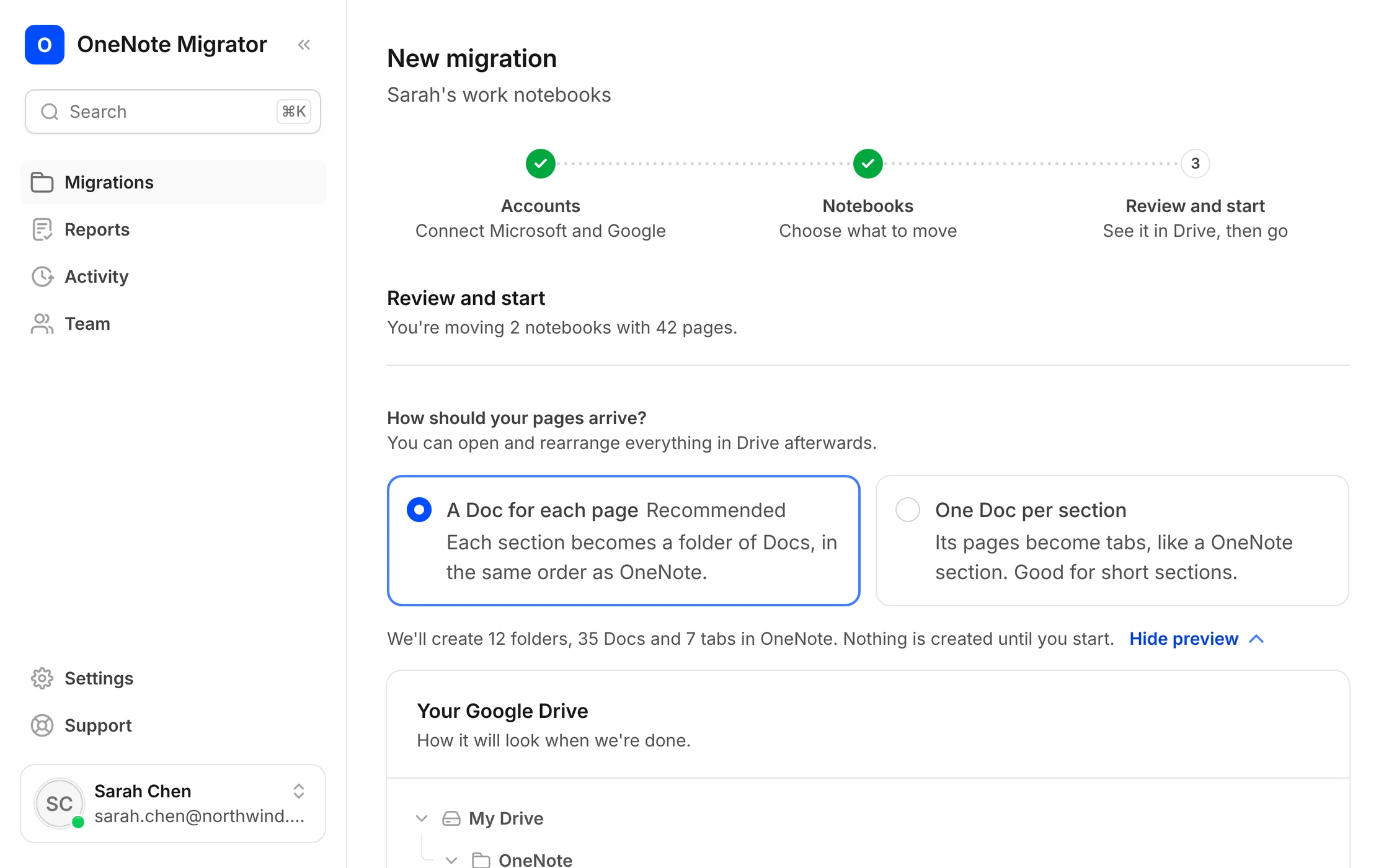
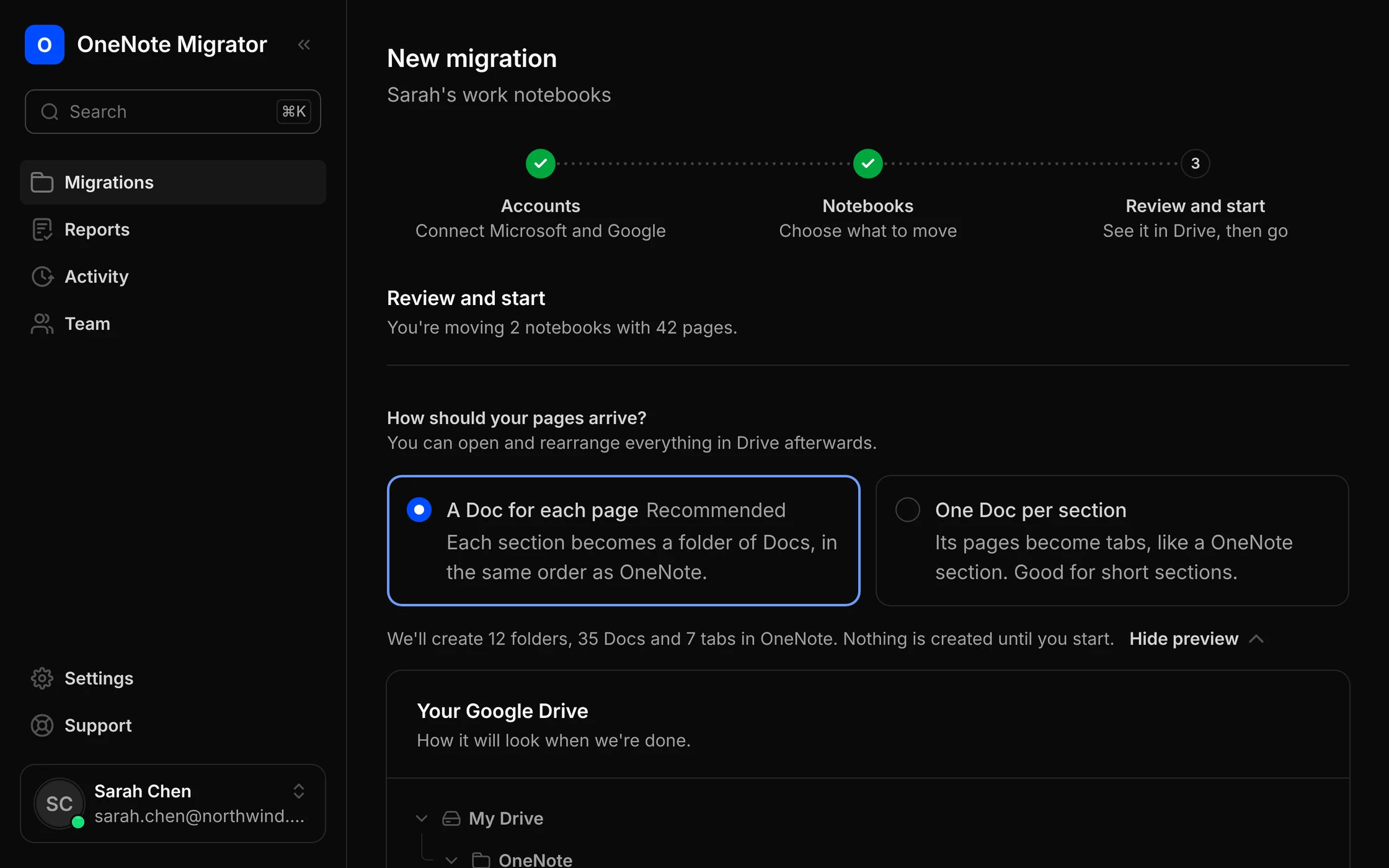
Before: see the result
A preview of every folder and Doc, before a single file is made.
During: get on with your day
It runs in the background. If anything interrupts it, it picks up where it left off.
After: proof it all arrived
A page-by-page report shows what arrived, and points you to anything worth a second look.
Everything you wrote, where you'd expect it
Every page becomes a Google Doc, with its formatting, pictures and files, in OneNote's order.
Notebooks, sections and pages
A folder per notebook in My Drive or a shared drive, and a Doc for each page.
Subpages stay with their page
Each subpage becomes a tab inside its page's Google Doc.
Text and formatting
Headings, bold, highlights, colours, lists and code carry over into the Google Doc.
Tables and checklists
Real Google Docs tables. To-dos become Google Docs checklist items.
Pictures and equations
Pictures sit inside the Google Doc. Equations arrive there as pictures.
Attached files and audio
Saved in My Drive or a shared drive, linked from inside your Google Doc.
Links between pages
A link to another OneNote page now opens that page's Google Doc.
Tags and emoji
Important, Question and Idea tags become ⭐ ❓ 💡 at the start of the line.
Online videos
A YouTube or other online video on a page becomes a link to watch it.
Handwriting and drawings stay in OneNote, because Microsoft doesn't share them with other apps.
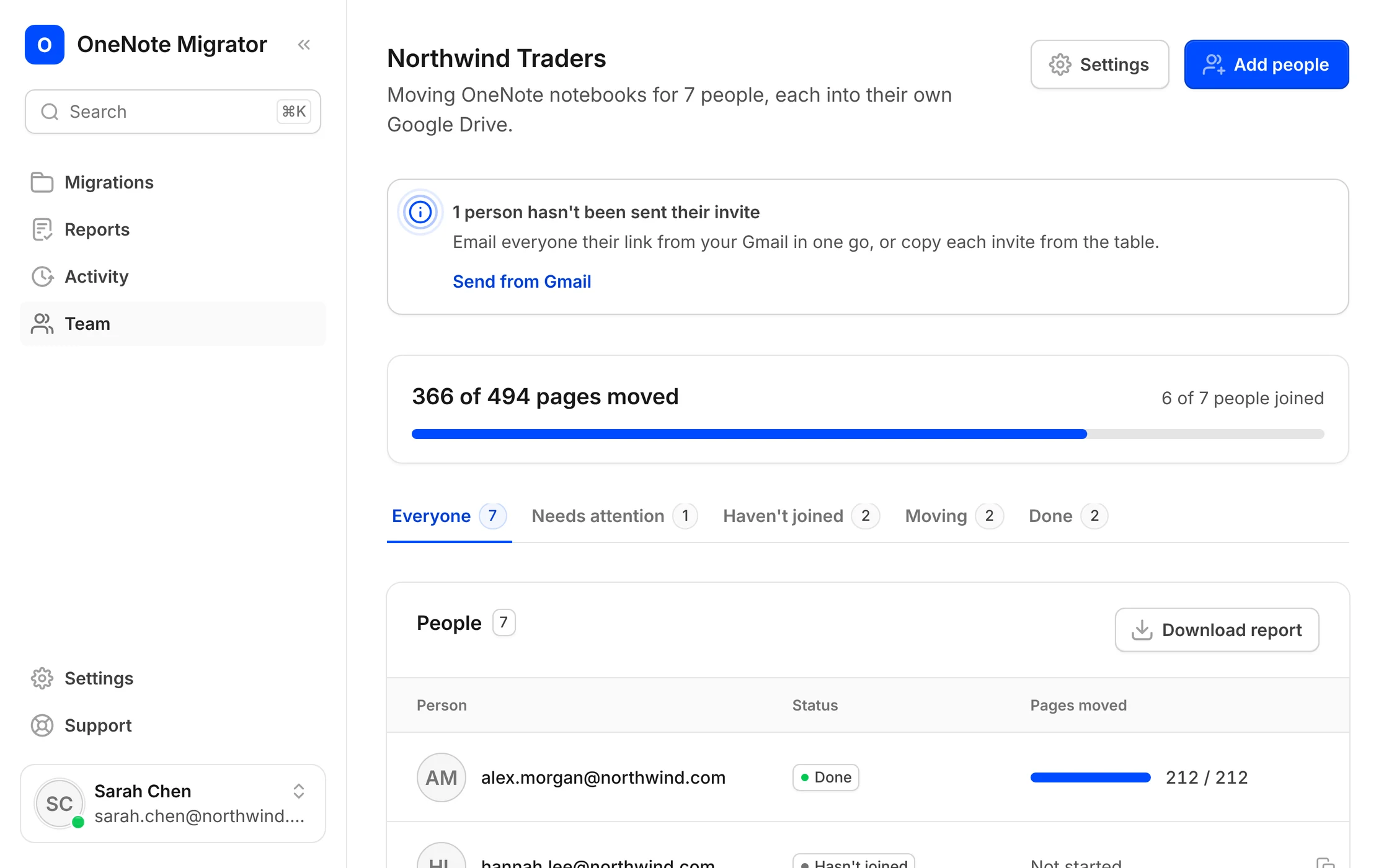
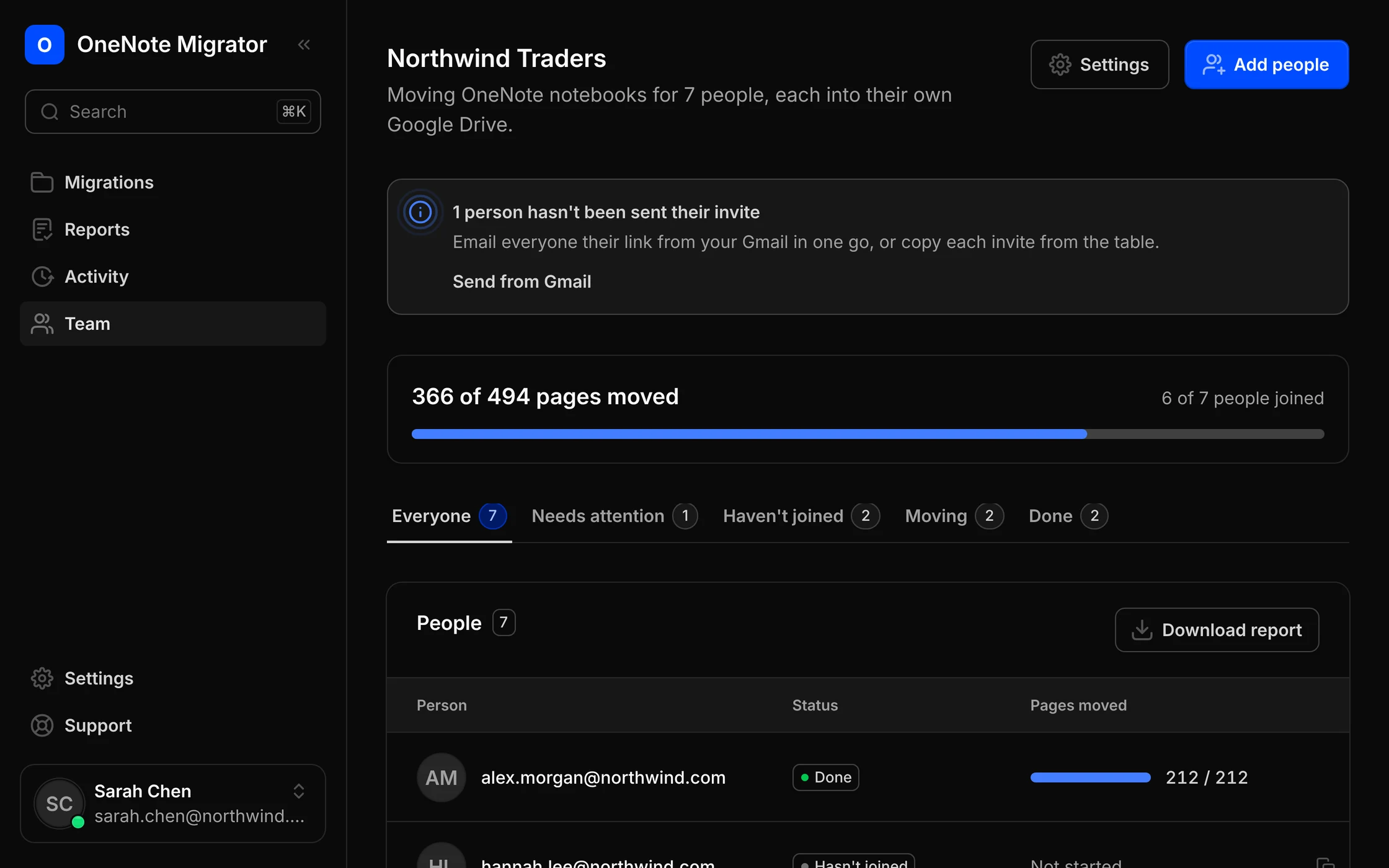
One link for each person. One page to follow everyone.
Add people your way
Pick them from your Google Workspace directory, or type their email addresses.
Invites from your own Gmail
Each person gets one link, sent from your Gmail. Remind anyone who hasn't started.
Their notebooks, their Drive
Each person's notes land in their own Google Drive, owned by them, not by you.
Everyone on one page
See who has joined, who is moving and who needs help, and download one report for all.
- Learn more about moving your company
Read-only in OneNote. Only our own files in Google.
We ask Microsoft and Google for the smallest permissions that can do the job, and nothing in OneNote ever changes.
Learn more about securityRead-only in OneNote
We read your notebooks to copy them. We never edit or delete anything in OneNote.
Only our files in Drive
Google lets us open only the files we create. The rest of your Drive stays hidden from us.
We keep the report, not your notes
Pages pass through on their way to Google. We store page names and results, not what you wrote.
Locked away, and yours to delete
Sign-ins are encrypted. Disconnect an account or delete a record whenever you like.
Questions people ask before they move
Straight answers about what moves, what stays, and what you need to do.
No. We only read your notebooks, so everything stays in OneNote exactly as it is. Keep using it until you're ready.
They stay in OneNote, because Microsoft doesn't share them with other apps. Everything else on the page moves.
It depends on how many pages you have, because Microsoft limits how fast any app can read notebooks. You can close the page; the move keeps going.
Every page is checked after it moves. If one doesn't arrive, your report says why, and you can try it again in one click.
Yes. Pick any folder in My Drive or inside a shared drive, and see a preview of the folders and Docs first.
Notebooks in your OneDrive. Notebooks on SharePoint team sites or in Microsoft 365 groups aren't supported yet.
One thing: open the link in their invite and sign in with Microsoft and Google. Their notebooks then move on their own.
Bring your OneNote with you to Google
Sign in with Google, connect OneNote, and see how your notebooks will look before anything moves.