Move your whole company's OneNote to Google
Each person moves their own notebooks into their own Google Drive. You send the invites and follow everyone from one page.
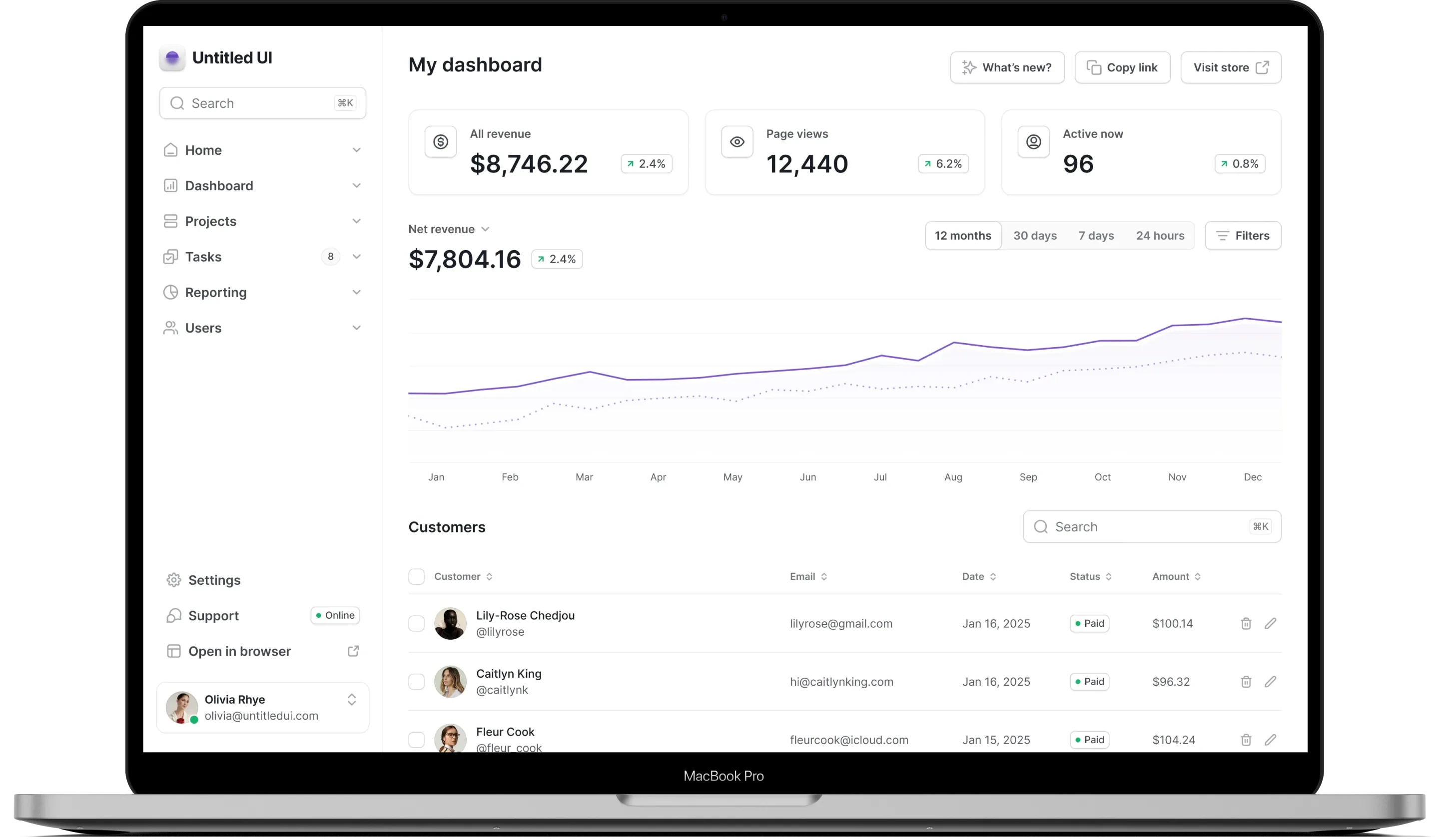
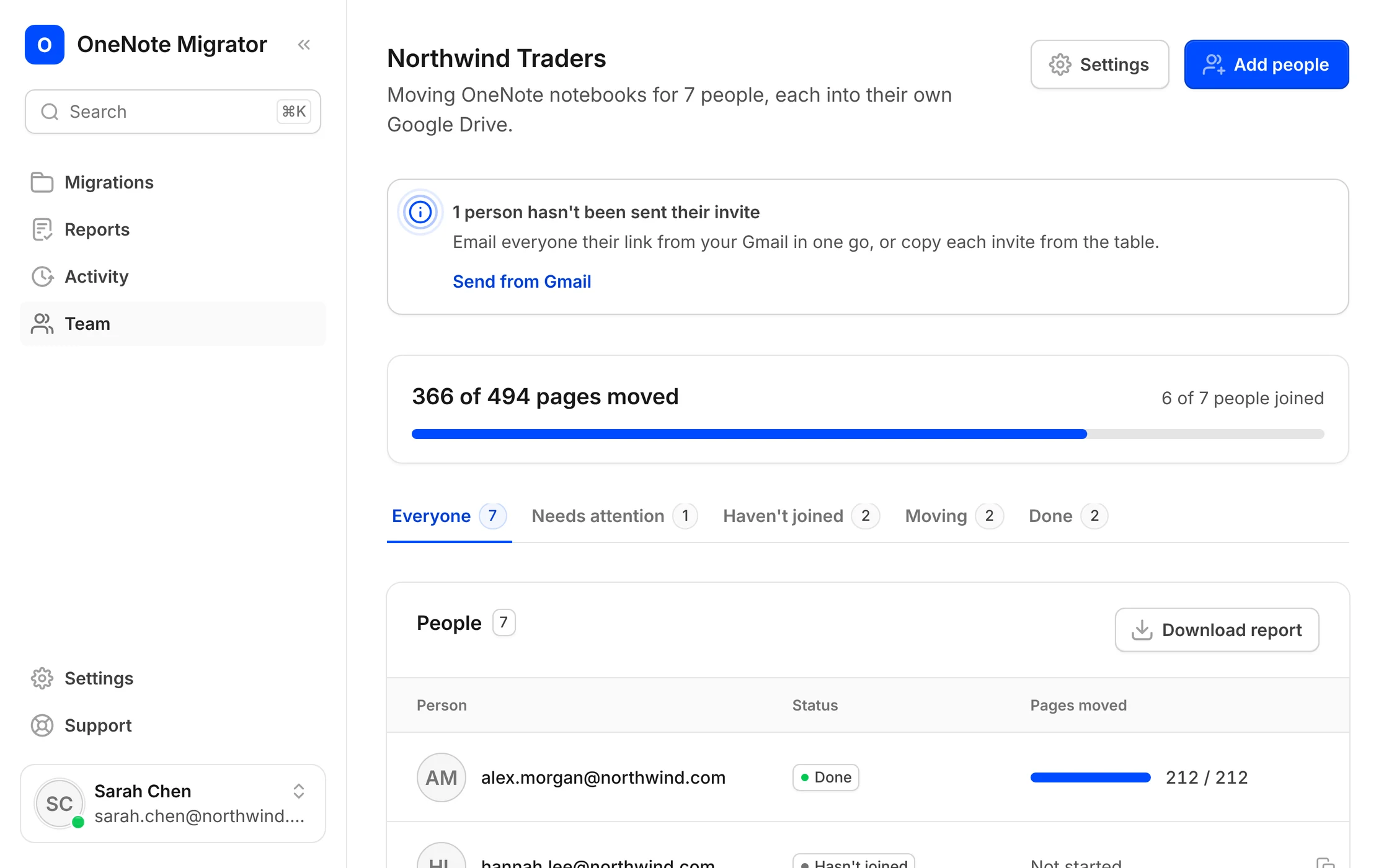
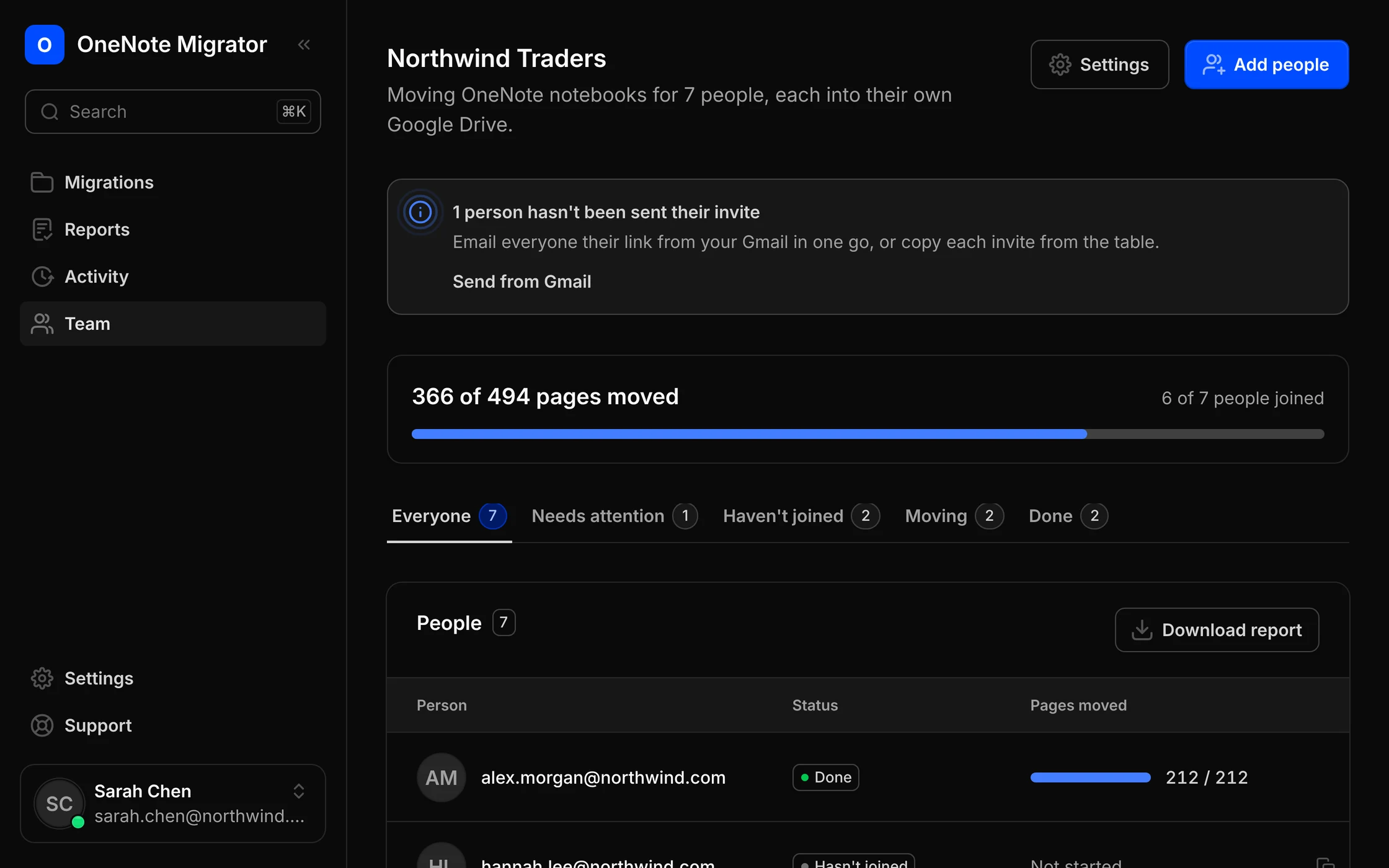
One link for each person. One page to follow everyone.
Add people your way
Pick them from your Google Workspace directory, or type their email addresses.
Invites from your own Gmail
Each person gets one link, sent from your Gmail. Remind anyone who hasn't started.
Their notebooks, their Drive
Each person's notes land in their own Google Drive, owned by them, not by you.
Everyone on one page
See who has joined, who is moving and who needs help, and download one report for all.
Three steps for the admin
You set it up once. Everyone else does one thing: open their link.
Add your people
Pick them from your Google Workspace directory, or type their email addresses.
Send the invites
One link each, sent from your Gmail. Remind anyone who hasn't started.
Follow everyone
See who has joined and who is moving, and download one report for all.
Add your people
Pick them from your Google Workspace directory, or type their email addresses.
Send the invites
One link each, sent from your Gmail. Remind anyone who hasn't started.
Follow everyone
See who has joined and who is moving, and download one report for all.
What each person does
Nothing to install and nothing to configure. It takes about a minute of their time.
Open the invite
An email from you, with their own link.
Sign in twice
With Google, where the notes should go, and with Microsoft, where they are now.
That's it
Their notebooks move into their own Google Drive on their own.
Open the invite
An email from you, with their own link.
Sign in twice
With Google, where the notes should go, and with Microsoft, where they are now.
That's it
Their notebooks move into their own Google Drive on their own.
Everything you need to run the move
One page shows the whole company, and tells you who needs a nudge.
Add people your way
From your Google Workspace directory, or by typing email addresses.
Invites from your Gmail
People see your name, not ours. Or copy each link and send it yourself.
Reminders in one click
Send a reminder to everyone who hasn't joined yet.
See who needs attention
Filter by needs attention, hasn't joined, moving and done.
Progress for everyone
Pages moved across the company, and for each person.
One company report
Download a spreadsheet of every person's move for your records.
$12 per person, no page limit
$9 per person above 50 people. Minimum 10 people. Try it free on one notebook first.
Read-only in OneNote. Only our own files in Google.
We ask Microsoft and Google for the smallest permissions that can do the job, and nothing in OneNote ever changes.
Learn more about securityRead-only in OneNote
We read your notebooks to copy them. We never edit or delete anything in OneNote.
Only our files in Drive
Google lets us open only the files we create. The rest of your Drive stays hidden from us.
We keep the report, not your notes
Pages pass through on their way to Google. We store page names and results, not what you wrote.
Locked away, and yours to delete
Sign-ins are encrypted. Disconnect an account or delete a record whenever you like.
Questions companies ask
About invites, ownership and cost.
One thing: open the link in their invite and sign in with Microsoft and Google. Their notebooks then move on their own.
Into each person's own Google Drive, owned by them. Nothing is copied into the admin's Drive.
You do, from your own Gmail, so people recognise the sender. You can also copy each person's link and send it yourself.
Yes. The Team page shows who hasn't joined, and you can send them a reminder from your Gmail in one click.
$12 per person, or $9 per person above 50 people, with no page limit. The minimum is 10 people.
Their move pauses safely and the Team page shows them under Needs attention. They sign in again and it carries on.
No. They open a link and sign in with the Microsoft and Google accounts they already use every day.
Bring your OneNote with you to Google
Sign in with Google, connect OneNote, and see how your notebooks will look before anything moves.